OCR is often the slowest and most expensive step in a document-ingestion pipeline. The wasteful part is that many PDFs already contain usable text, yet a naive workflow sends every document through OCR.
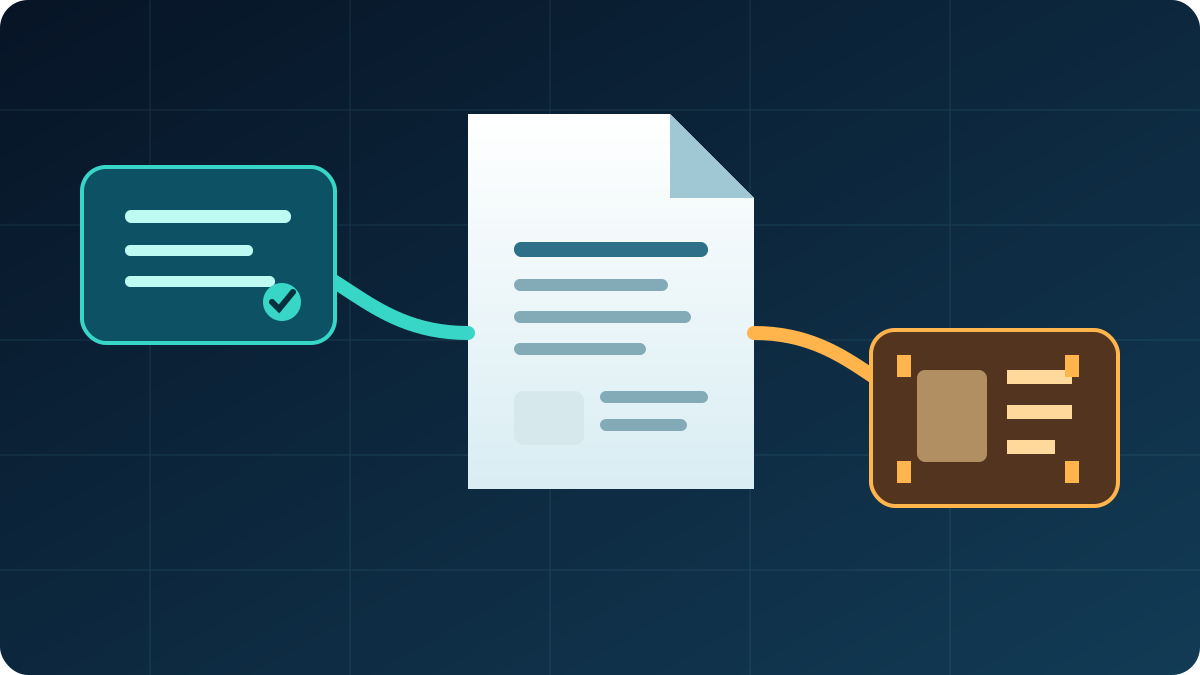
pdf-inspector offers a better routing pattern: classify first, extract native text where possible, and route only the pages that need OCR. This article describes the project’s documented behavior. It does not claim an independent performance benchmark.
The routing pattern
PDF arrives
  ↓
Classify the document and its pages
  ├─ native text available → extract locally → Markdown
  └─ text missing/broken   → route those pages to OCR
That decision can reduce unnecessary OCR work in RAG ingestion, invoice processing, document search, and research-paper parsing.
The library classifies PDFs as TextBased, Scanned, ImageBased, or Mixed. It also reports confidence and the pages that need OCR. A report with one scanned appendix does not have to become an all-pages OCR job.
Python quick start
Install the published Python package:
pip install pdf-inspector
Then process a local PDF:
import pdf_inspector

result = pdf_inspector.process_pdf("document.pdf")

print(result.pdf_type)
print(result.pages_needing_ocr)
print(result.markdown)
For an OCR-aware path, the package documents a separate call:
ocr_result = pdf_inspector.process_pdf_with_ocr("document.pdf")
print(ocr_result.pages_routed_to_ocr)
Keeping OCR separate from the default path matters operationally: native-text documents can stay on the lightweight local extraction route.
Node.js and browser support
The project also publishes a Node.js package:
npm install @firecrawl/pdf-inspector
import { readFileSync } from "fs";
import { processPdf } from "@firecrawl/pdf-inspector";

const pdf = readFileSync("document.pdf");
const result = processPdf(pdf);

console.log(result.pdfType);
console.log(result.markdown);
A WebAssembly package is available for browser or Web Worker use:
npm install @firecrawl/pdf-inspector-wasm
That can be useful when a document should remain on the user’s device simply to determine whether it contains native text.
What the extractor attempts to preserve
According to the project documentation, native-text extraction handles structure including:
- headings inferred from font-size tiers;
- bold and italic text;
- numbered and bulleted lists;
- code blocks inferred from monospace fonts;
- tables inferred from drawing rectangles and text alignment;
- multi-column reading order;
- links, captions, page breaks, and common font encodings.
The output is Markdown, which is convenient for search indexing and retrieval pipelines.
How classification works
At a high level, the detector examines PDF content streams for text operators such as Tj and TJ, and image operators such as Do. It can inspect all pages, stop early, sample a large document, or inspect a caller-provided page set.
This is a routing signal, not a guarantee that every PDF will parse perfectly. Broken encodings, text converted to vector paths, and complex layouts may still require OCR or a specialized parser. Callers should treat low confidence and encoding warnings as fallback signals.
Treat benchmark numbers as project claims
The repository includes a reproducible benchmark and describes its corpus and hardware. Those results are useful for understanding the project’s goals, but they are not a universal latency promise. Run the benchmark against your own document mix before setting production thresholds.
The durable architectural lesson is simpler: choose OCR per page, not automatically per file.
A conservative production rule
result = pdf_inspector.process_pdf("document.pdf")

if result.pdf_type == "text_based" and result.confidence >= 0.95:
    store_markdown(result.markdown)
else:
    send_pages_to_ocr(result.pages_needing_ocr)
The threshold depends on the cost of a false positive. A casual knowledge base can tolerate more extraction noise than a legal or financial workflow.
Before production use, verify the current API and package names against the official repository, pin dependency versions, and test representative PDFs from your own workload.